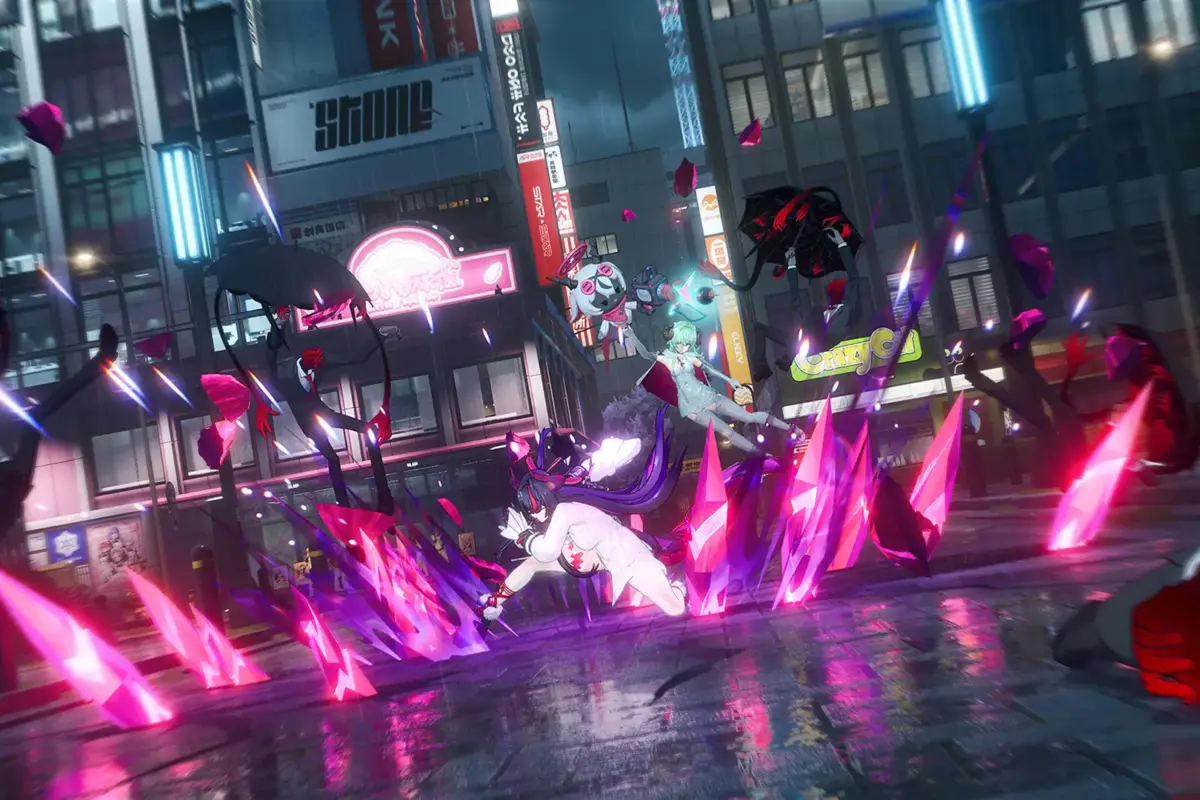
Two new Neverness to Everness redeem codes joined the working code list of the game earlier today. Players are excited to get their hands on some hefty free Annulith, among other notable rewards.
With the version 1.2 update, Neverness to Everness is now here in Steam and the Epic Game Store. To celebrate the expansion of the game, the developers have shared two new active Neverness to Everness redeem codes.
Also Read: What We Know So Far About Apex Legends x Cyberpunk: Edgerunners event
Active Neverness to Everness Redeem Codes
The version 1.2 update introduced the S-Class character Shinku, which has been the hot topic in the community right now thanks to the character’s damage output and animations.
In addition to this new character, players can also get their hands on free Fons, Annulith, and so much more via two new Neverness to Everness redeem codes.
Let’s take a look at all the active Neverness to Everness codes and their rewards:
- DRAGONGIRL- 30 Annulith, 20000 Fons, and 1 Puka Chocoa Ellie Tour Special
- NTEGIFT- 50 Annulith, 5 Rising Hunter Guide, and 5 Light Dye
- DREAMWALK0603- 100 Annulith, 5 Rising Hunter Guide, 5 Light Dye, and 4000 Beetle Coin
- TOMATO100- 100 Annulith, 5 Senior Hunter Guide, 5 Colourless Dye, and 6000 Beetle Coin
- RACENOLIMIT- 100 Annulith, 2 Elite Hunter Guide, 2 Chaotic Dye, and 12000 Beetle Coin
- NTENENE- 10000 Fons, 10 Dynamik Zero, and 10 Clicky Fries
Please note that some of these Neverness to Everness codes’ expiration dates have already passed, yet they award gifts upon redemption. Therefore, redeem them as quickly as possible.
How to Redeem Neverness to Everness Codes?
Players are required to unlock the mail feature of the game before they take advantage of the redeem codes. Once the ‘Mail’ is unlocked, here are the steps to follow:
- Launch the game on your device.
- Find the triple dot icon in the main menu.
- Choose the ‘Redeem Code’ option.
- Put the active code in the field and redeem for the rewards.
After successful redemption, the rewards will be sent to your in-game account.
Featured Image Credits
Image via Steam