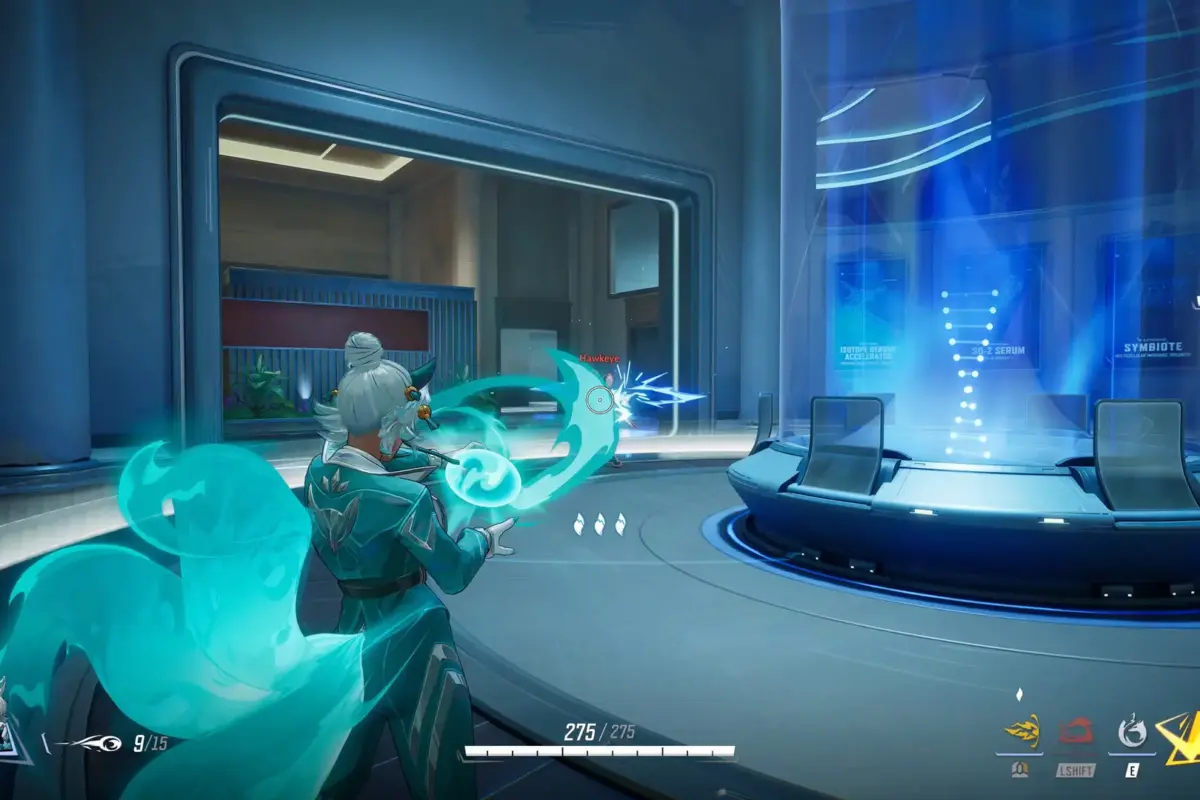
The Marvel Rivals Jubilee Event is live right now, and it is bringing something genuinely worth paying attention to alongside all the Season 9 hero balance changes currently making waves. Jubilee has officially joined the Marvel Rivals roster, and the community event tied to her arrival is offering some solid free rewards including a full battle pass.
Here is everything to know about Marvel Rivals Jubilee Event, how it works, and what is up for grabs.
What the Marvel Rivals Jubilee Event is offering
The event is running through the official Marvel Rivals Discord server and is centred around welcoming Jubilee as the latest mutant addition to the game alongside the X-Men. It runs from July 8 through July 14 UTC, so the window to participate is short.
The reward structure is tiered based on how many players join the event, and the headliner is the free Season 9 Battle Pass unlocked at the 10-participant threshold. Here is the full breakdown:
- All Participants: Season 9 Event Role
- 10 Participants: Season 9 Battle Pass
- 20 Participants: 500 Units
- 30 Participants: 300 Units
Every single person who joins gets the Season 9 Event Role regardless of where the participant count lands. The battle pass unlocking at just 10 participants is the standout reward here, and given the size of the Marvel Rivals community, hitting that threshold is not a stretch at all.
How to join and claim the Marvel Rivals Jubilee Event rewards
The process for the rewards is pretty straightforward. Joining requires two steps:
- Step 1: Join the official Marvel Rivals community Discord at discord.gg/marvelrivals
- Step 2: Head directly to the event channel at the link provided and join the event from there
That is all it takes to get the Season 9 Event Role and be counted toward the participant thresholds for the higher tier rewards.
With Season 9 already active and hero adjustments keeping the meta in flux, a free battle pass on top of that is a decent incentive to spend two minutes on Discord before July 14 rolls around.
Featured Image Credit
Image via Steam