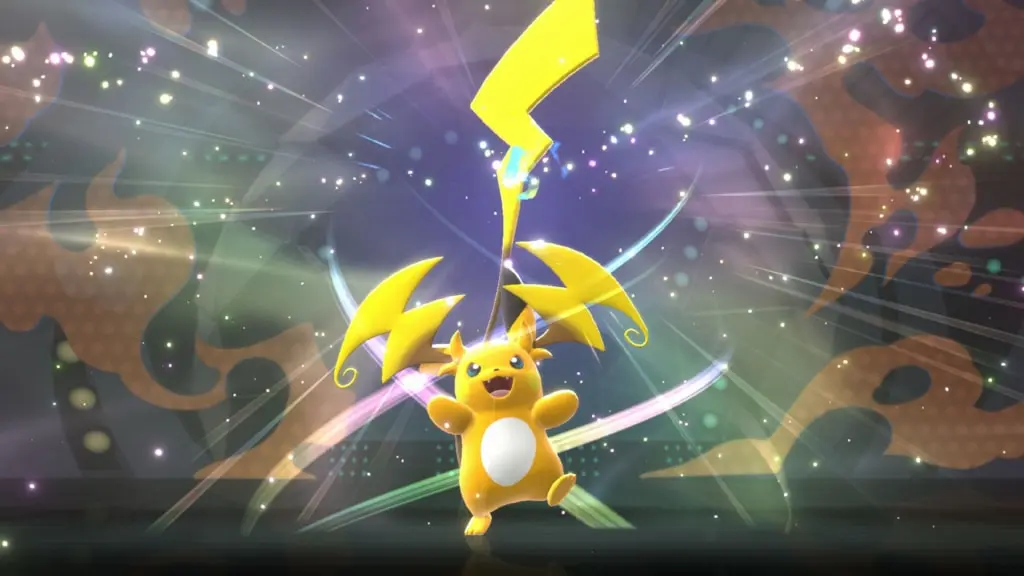
Pokémon Champions is gearing up for its major mobile launch on June 17, 2026. Ahead of its global release and to celebrate the North America International Championships, the Pokémon Company has released several limited-time mystery gift codes for trainers.
If you are looking to get a head start in your journey to build ultimate PvP rosters, check out all the active Pokémon Champions mystery gift codes and how you can redeem them.
Read More: Crashout Crew Achievements Guide
Active Pokémon Champions Codes List
Like modern Pokémon games, Pokémon Champions also gives players the opportunity to obtain in-game items through limited-time special codes.
Here are all the active Pokémon Champions mystery gift codes that you can redeem for exclusive rewards:
L12ARD0NPJCS26- Charizard (Expires on 14th June 2026)
CHAMP10NSATNA1C- 500 Victory Points (Expires on 14th June 2026)
CHAMP10N- Machamp (Expires on 31st August 2026)
HAJ1MAR1G1FT- 100 Quick Coupons
All of these codes come with an expiration date. Therefore, redeeming them as soon as possible is highly recommended.
How to Redeem the Pokémon Champions Mystery Gift Codes?
Here are the steps to redeem active Mystery Gift codes in Pokémon Champions:
- Launch the Pokémon Champions on your mobile or Nintendo Switch.
- Open the main menu and select the “Submenu” option.
- Enter or paste an active Pokémon Champions Mystery Gift code and click “Confirm.”
Once the code has been redeemed, the reward will be sent to your in-game mailbox.
How to Transfer Pokémon from Pokémon GO to Pokémon Champions?
Whether you plan to play Pokémon Champions on mobile or Nintendo Switch, you can get a head start on building your ultimate PvP roster by transferring Pokémon from Pokémon GO.
Here’s how you can transfer Pokémon from Pokémon GO to Pokémon Champions:
- Ensure you have Pokémon Home installed on your Nintendo Switch/Mobile. Also, make sure all the applications are updated to their latest versions.
- Head over to your Pokémon GO account and find ‘connected devices and services’ in the Settings.
- Click on “Pokémon Home” and click on the “Send Pokémon” option.
- Ensure the Pokémon you are trying to transfer is eligible for Pokémon Champions.
- Once you choose the Pokémon, click on the ‘next’ and then choose the ‘transport’ option.
- When you launch Pokémon Home, you will receive a notification for your recent Pokémon transfer. Choose the ‘Receive Pokémon’ option to complete the transfer.
- Now, head over to the ‘Pokémon Champions’ in Pokémon Home and select the Pokémon you wish to transfer into the game.
- Once you confirm the transfer, launch the Pokémon Champions and click on ‘Recruit.’ Select “Collect from Pokémon Home” to receive the transferred Pokémon.
Please note that Spinda, Shadow Pokémon, event-exclusive Pokémon, and costumed Pokémon cannot be transferred from Pokémon GO to Pokémon Champions.
Featured Image Credit
Image via Pokemon Press