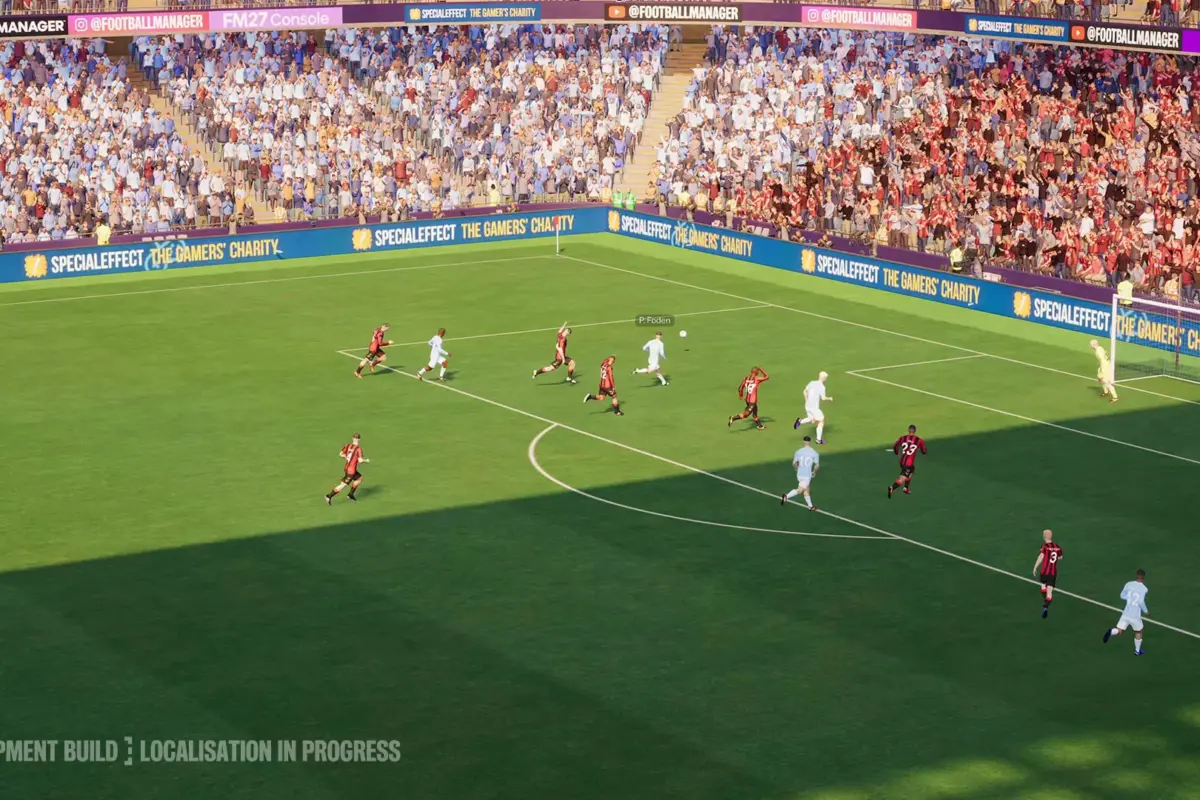
This FM27 How to Remove Women/Men Leagues Guide will explain how to optimise your setup in the advanced section of the database builder. With many people aiming to pack in as many different nations as possible, having added leagues or nations you don’t want can cause unnecessary slowdown so I will be explaining how to remove unwanted women’s football or men’s football data in your save. FM27 launches on November 10, though those who pre-ordered the game on Steam or other select outlets during beta can play it in the beta phase until then.
FM27 How to Remove Women Leagues or Men Leagues
When you’re setting up your save in the advanced setup menu, you’ll notice that selecting some nations adds both their male and female competitions. For example, adding England will not only include the Premier League, but it will add in the Women’s Super League (BWSL) as well. This happens for other countries like Spain, France, Japan, and more.
It isn’t as easy as hitting the trash button either, as heading to the women’s or men’s league screen and hitting the trash can deletes both sides. So deleting the Premier League, instantly deletes the WSL and vice versa.
The way to remove the unwanted leagues is instead to click on the league name where you’d usually select how many divisions you want to load in, and select None. This will keep the male or female counterpart you want while removing the leagues you don’t want.
The Last Word
While it is a little clunky, and not immediately obvious, fumbling around a bit did lead me to a solution. Just go as normal like you were adding or removing DIVISIONS instead of the nation itself and you will be able to remove undesired men’s or women’s football. This can help trim down a game world from too big to just manageable so it is important to know.
Other Football Credit
- Roblox Says Over 70,000 Games Are Developed With AI Assistance
- Scopely Rolls Out the Biggest Ban Wave in Pokemon GO
- Petition to Save Mass Effect Surpasses 200,000 Signatures
Featured Image Credit
Image via Steam


